How does Blockstream Satellite work when a node has no internet? Ground-station teleports uplink blockchain data to geosynchronous satellites, which broadcast it one way to a dish, a receiver and a full node.
The sections below follow that signal in order, from uplink to node. For the wider topic, start at the crypto satellite hub, and for the software that reads the stream, see bitcoin satellite node software. If you are deciding whether a dish is worth it at all, compare it with blockstream satellite vs internet.
The signal path from teleport to node
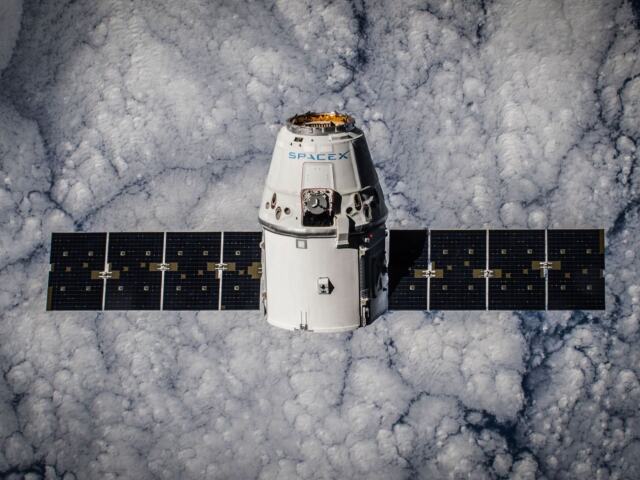
Blockstream Satellite is a broadcast service that delivers the public Bitcoin blockchain from space. According to Enterprise Times, ground stations called teleports uplink the public Bitcoin blockchain data to the satellites, and the network at that time consisted of three geosynchronous satellites. Those satellites sit in a fixed position relative to the ground, so a receiving dish is aimed once at one spot in the sky and left there.
Each link in the chain has one job:
- Uplink. A teleport sends the blockchain data up to the satellite.
- Downlink. The satellite rebroadcasts it over its coverage area, to anyone with a suitable dish.
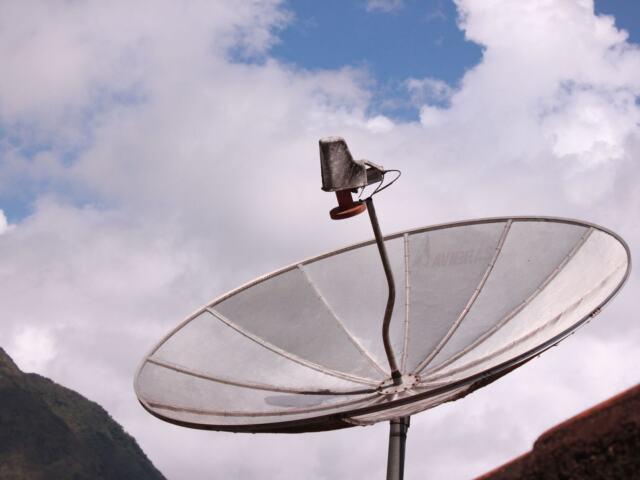
- Dish and receiver. The dish collects the signal, and a receiver turns it back into digital data.
- Node. Software on the full node reads that data and uses it like blocks arriving from any other source.
The last step matters because, as Blockstream’s own education pages put it, each node stores a complete copy of every transaction ever made. The satellite feed is a different delivery route to a node that already does that job.
Common misunderstandings about the broadcast
Most confusion comes from treating the dish as an internet connection. The table contrasts three frequent assumptions with what the documentation and reporting describe.
| Assumption | What actually happens | Planning use |
|---|---|---|
| The dish gives me internet access. | The data is sent from the Internet through a broadcast medium, so it arrives one way only. | Plan for receiving only. Keep another route for anything your node needs to send. |
| A satellite node must be cut off from the internet. | The option connect=0 runs the node on satellite links only, unplugged from the internet. Without it, the node keeps its internet peers. | Use connect=0 only if you want to depend on the satellite alone or to test the feed in isolation. |
| A powered receiver means the feed is working. | A locked receiver should show a bitrate around 1.09 Mbps when checked with getudpmulticastinfo. | Treat that bitrate as your success check before trusting the setup. |
Figures above come from Link Systems’ report on the satellite API and Blockstream’s Bitcoin satellite documentation.
- Sending data back through the satellite is not possible from your dish. The service is a downlink broadcast. What Blockstream’s satellite API adds is a way to submit messages from the internet for broadcast. In its 2018 beta, message size was capped so that each message could be transmitted within ten seconds.
- A satellite-only node has no outbound path. Because the dish only receives, a node running with connect=0 can take in data but cannot relay anything through the satellite. Anyone who needs to broadcast their own transactions needs a separate connection.
Satellites, frequencies and coverage
Coverage has grown since launch, so the date of any description matters. Reported milestones:
- August 2017. RTTNews reports the service launched in North America, South America, Europe and Africa. The same month, Blockstream first unveiled its satellite plans, as Link Systems recounts.
- 2017 network size. Enterprise Times described three geosynchronous satellites at that stage.
- December 2018. After the Asia-Pacific expansion, RTTNews reports four active satellites with coverage over North and South America, Europe, Africa and Asia Pacific.
If your region is on that list, the broadcast was reported as reaching it, but those are dated reports rather than a live footprint. Check the operator’s current coverage map for your exact location before buying a dish, because a region name does not guarantee a usable signal at your address.
For frequencies, take the downlink frequency and coding parameters for your beam from Blockstream’s satellite documentation rather than from a third-party article. The receiver has to be tuned to match, and a setting copied from an old guide can leave you with no lock.
Receivers: USB DVB-S2 or software-defined radio
Two receiver routes are described. The simplest, per RTTNews, is a small satellite dish connected by USB to a personal computer, which is the pattern a USB DVB-S2 receiver follows. The alternative is a software-defined radio. Enterprise Times explains that the software approach is built on the GNU Radio toolkit, enabling cross-platform SDR implementation without specialized hardware.
- USB DVB-S2 receiver. Suits most people: it plugs into the computer and is tuned with the parameters for your beam.
- SDR dongle. Suits anyone who already owns one or wants a software-based chain. Expect more setup work, because the demodulation happens in software.
In both cases, the dish feed hardware at the end of the arm, the LNB, passes the signal down the coaxial cable to the receiver.

Dish siting and alignment
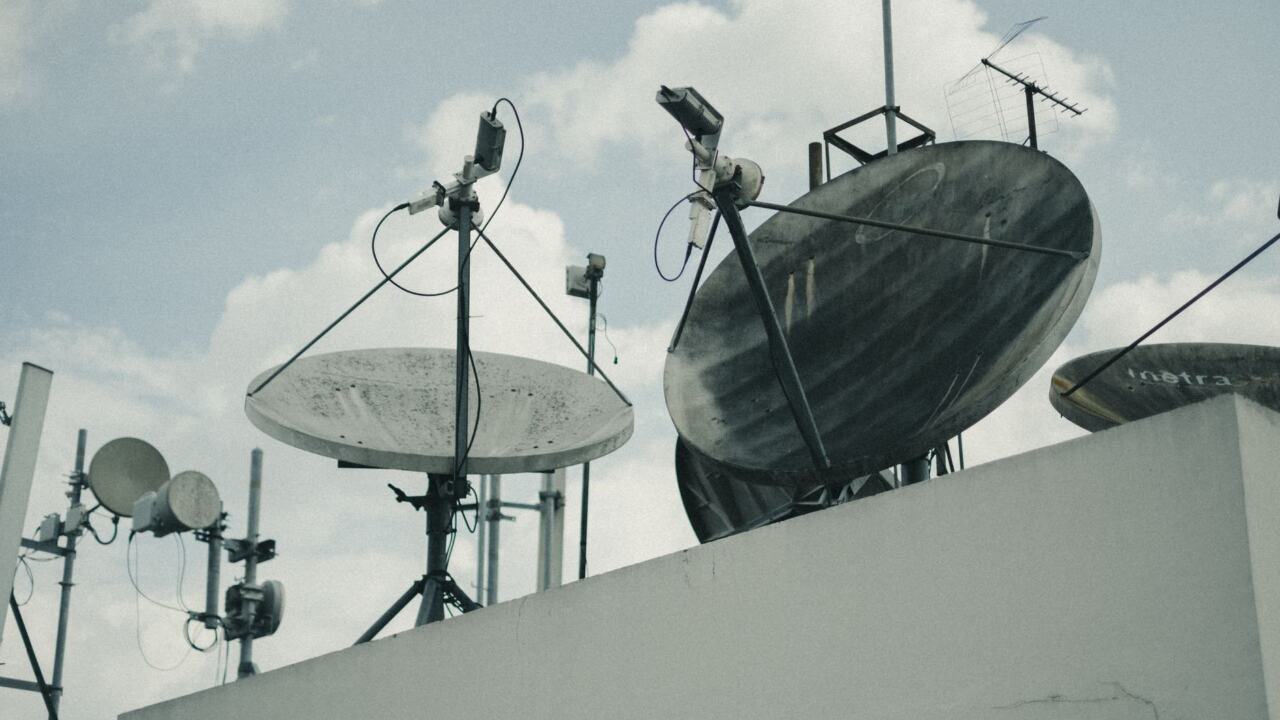
A dish only works if it has a clear line to the satellite serving your region, so siting comes before any software. Walls, balconies and nearby buildings can block the path, which is why multi-storey buildings often need a careful choice of mounting spot. Dish diameter is a separate decision: follow the size guidance in Blockstream’s documentation for your beam instead of guessing.

Alignment then has two parts. First, point the dish toward the satellite’s position using a bearing for your location. A compass gives a rough heading, but nearby metal can skew it, so cross-check against a landmark or a map.

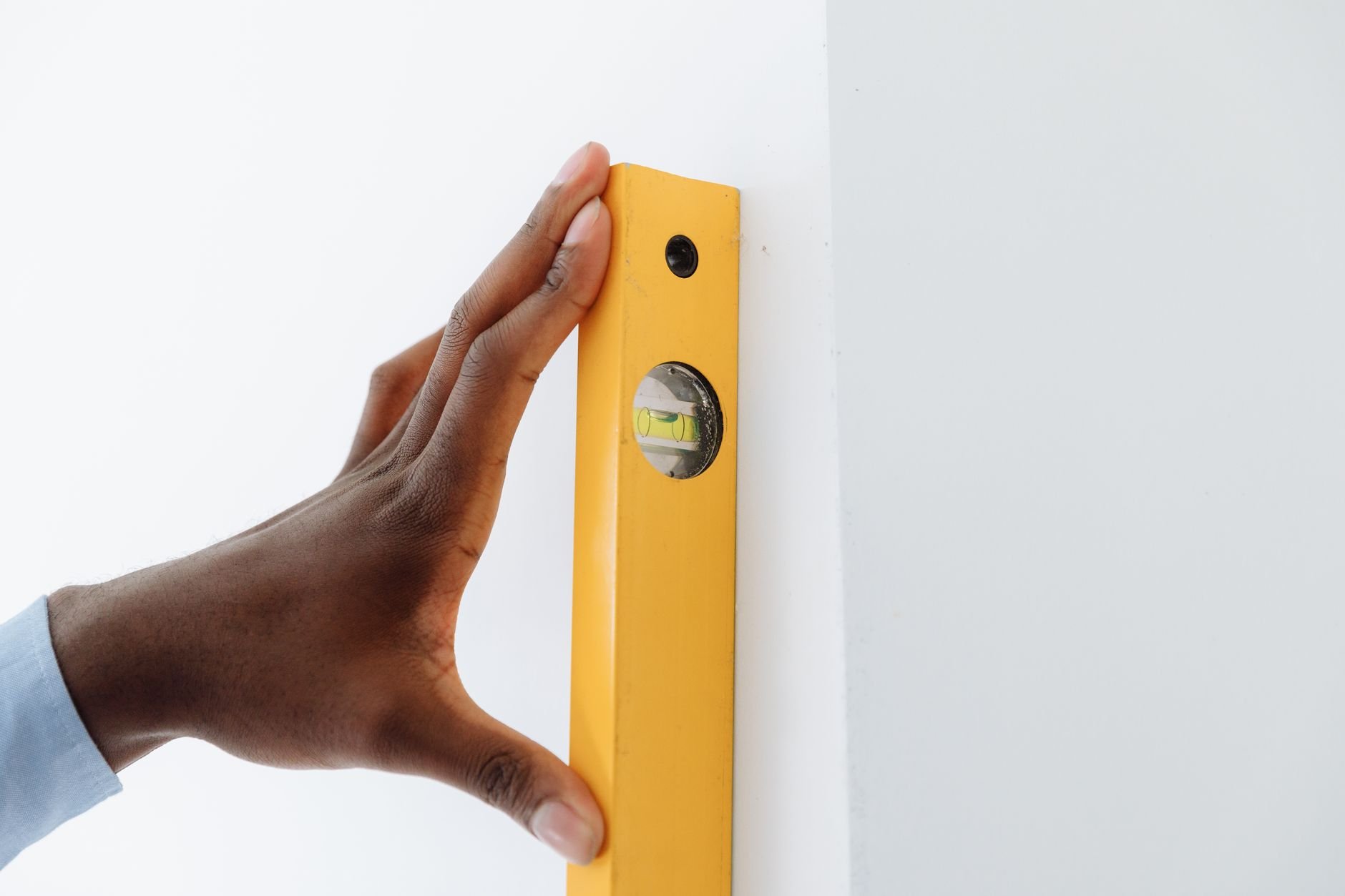
Second, level the mount so the tilt is repeatable, then adjust slowly while watching the receiver for signal lock. Small movements make a large difference, so make them one at a time and wait for the reading to settle.

Feeding the data to a full node
Once the receiver locks, the node has to be told where to look. Blockstream’s documentation says the main option in the generated configuration file is udpmulticast, which names the interface, multicast address, source IP and whether the source is trusted. The receiver delivers the stream over the network, and the node listens to it through that setting. Running the node only on satellite links needs connect=0, as covered above.
The checking step is simple. Use getudpmulticastinfo and look for a bitrate around 1.09 Mbps. If it is far below that, return to the dish alignment and receiver tuning before suspecting the node. The software side, including the tools that generate this configuration, is covered in bitcoin satellite node software.
Frequently asked questions
| Question | Answer |
|---|---|
| What is Blockstream Satellite? | A service that broadcasts public Bitcoin blockchain data from geosynchronous satellites, so nodes can receive it without an internet link. |
| What hardware do I need to receive the signal? | A dish, plus either a USB DVB-S2 receiver or a software-defined radio, connected to a computer running the node software. |
| Does the broadcast cover my region? | It launched over North America, South America, Europe and Africa, and Asia Pacific was added later. Confirm your exact location on the current coverage map. |
| Can I send data back through the satellite? | Not from your dish, which only receives. The satellite API accepts messages from the internet for broadcast. |