| Cost item | Supported detail | Planning use |
|---|---|---|
| Official antenna kit | All-in-one base station sold by Blockstream | Read the Blockstream Store listing on the day you buy, because the kit price is the figure everything else is compared against. |
| Generic Ku-band LNB | $1.09 listed on a marketplace page fetched 28 October 2026 | A reference point for a standalone LNB. Confirm it suits your dish before buying. |
| Generic DVB-S2 receiver | $20.26 listed on the same marketplace page, same date | A reference point for the receiver line in a build-it-yourself setup. |
| Storage for a satellite-fed node | 1 TB SSD, such as the Samsung T5 or T7 | Budget for a drive if you run a full node rather than only receiving. |
| Reported node build total | Less than $800 for all required materials (guide dated 22 September 2021) | An older, dated reference for a whole node build. Re-price the parts before relying on it. |
These figures come from a Bitcoin Magazine guide and from marketplace listings for a generic LNB and DVB-S2 receiver.
Blockstream satellite cost splits into a hardware outlay for receiving and Lightning payments for sending. A DIY build can look cheaper on parts, but the dish and mounting decide whether it really is.
This page sits within our crypto satellite coverage. It separates what you pay for receiving, what you pay for sending, and what the setup costs you in time.
Receiving costs: kit, dish, LNB and receiver
Receiving Blockstream Satellite needs a dish, an LNB and a DVB-S2 receiver, and the official kit bundles them. Bitcoin Magazine describes the Satellite Antenna Kit as an all-in-one base station sold by Blockstream. Its box contains the antenna, the Ethernet power supply, literature, mounting brackets, a compass, hardware and a flat wrench.
That list explains what a kit price covers. The mounting brackets and compass are the items a separate-parts buyer has to source and aim without help. The same guide notes that its flat panel antenna has a built-in LNB and an internal satellite signal converter. In that setup there is no separate LNB line on the bill.

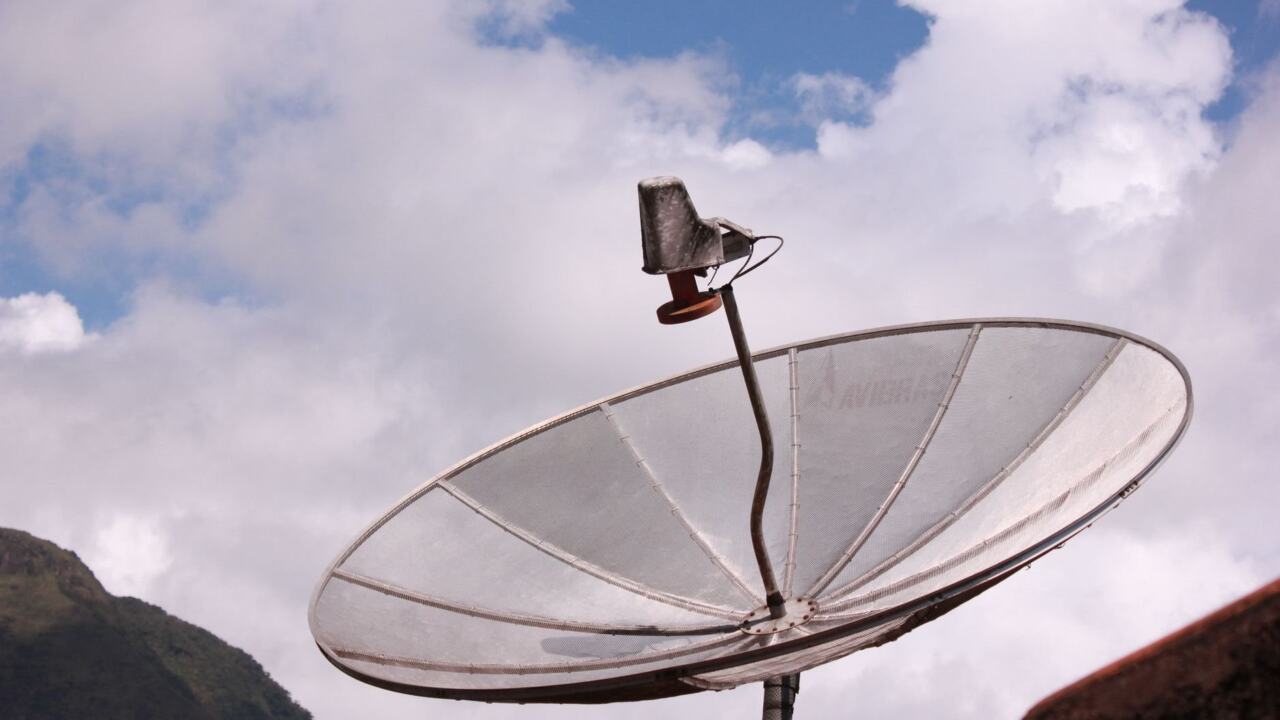
Buying the pieces separately is the other route. CoinDesk reports that a basic receive setup needs a small satellite dish and that TV satellite receivers work fine, connected by USB to a PC or Raspberry Pi.
Those two parts are small line items. The dish is the component those cheap listings do not cover, so price it from a retailer before you decide the build is cheaper. Treat the marketplace figures as reference points for the receiver and LNB lines, and confirm compatibility with your dish and software before ordering.
DIY or kit: which suits you
A DIY setup is cheaper only when the parts you already own or can buy cheaply cover the dish, mount and aiming tools the kit includes. The choice depends on your starting point.
- Choose the kit if you want a single box. The antenna, power supply, brackets and compass arrive together, so there is no parts matching and no separate mounting purchase.
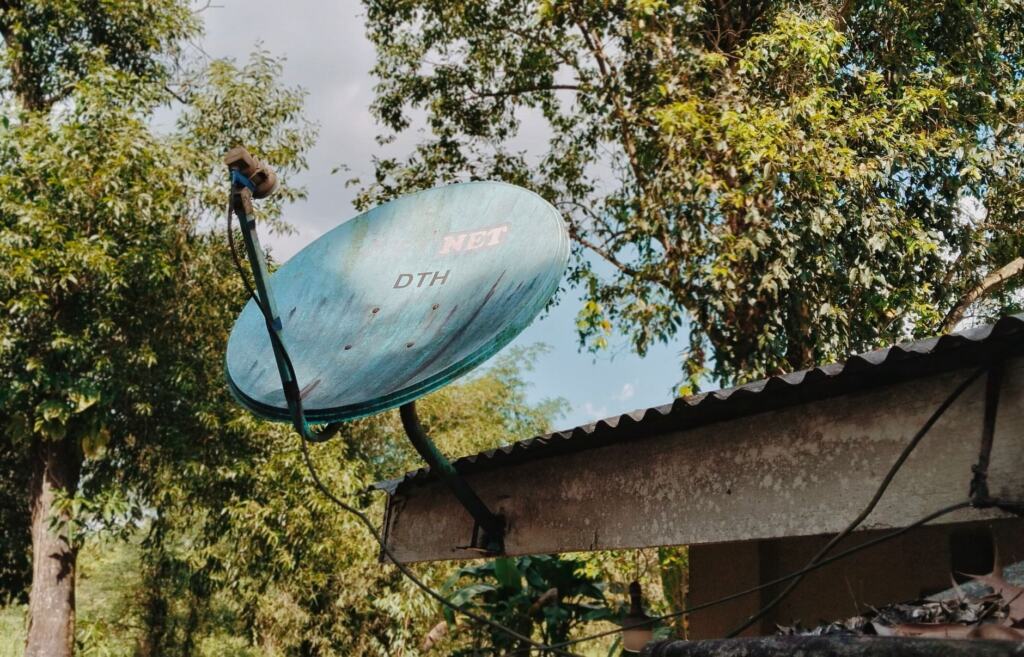
- Choose DIY if you already own satellite TV gear. CoinDesk says a small dish and a TV satellite receiver are enough for a basic receive setup, so existing equipment can remove most of the outlay.
- Wait if you only want to try the service. A flat panel antenna with a built-in LNB keeps the part count low, which makes a kit easier to reason about than a pile of separate listings.
One software condition affects switching costs. The Blockstream help pages state that the official kit installation fails if Bitcoin Core is already installed on your computer. Remove it first or install to another directory, rather than assuming a machine you already use for Bitcoin is ready.
Receiving versus sending
Receiving is a hardware purchase, while sending messages through the API is paid for with Lightning Network payments. The stated reason is that Lightning better supports micropayments that are lower transaction cost, faster and more scalable.
For your budget, the two sides are separate decisions. You can receive without ever sending, and a receive-only setup carries no per-message payment. If you plan to broadcast, the cost to track is the per-message charge, and our blockstream satellite api guide covers how sending works and what a Lightning wallet needs to do.

There is also a route for people who cannot use the internet at the moment of sending. According to goTenna, signed bitcoin transactions can go out over the GoTenna Mesh network without a direct internet connection. The restriction is that the user has to connect to someone living nearby, within about one mile. If that range does not suit you, our guide on how to send bitcoin without internet sets out the options.
Time and bandwidth: the costs that are not on a price tag
A cheap build still costs patience, because the satellite link is slow. The Blockstream help pages say a full node sync through the satellite network may take up to a few weeks from scratch. Decide whether that suits you before you buy hardware to run a node.
The same page shows what a Basic Kit logs while receiving. UDP multicast group 0 averages 0.09 Mbit/sec, and group 1 averages 1.54 Mbit/sec in the logs it displays. Those rates describe a broadcast feed rather than a general internet connection, so match your expectations to receiving blocks, not to browsing.
- Plan for the long sync. If you only want to follow new blocks, you avoid the weeks-long initial download that a node built from scratch faces.
- Do not pay for speed you cannot use. Those logged rates are a property of the service, so a pricier component will not change them. Spend on a reliable dish, mount and storage instead.
How the receiving chain works
The hardware chain explains why the parts have separate prices. The dish collects the Ku-band signal, the LNB converts it, and the DVB-S2 receiver turns it into data. The receiver then passes the data over USB to a PC or Raspberry Pi running the node software, as CoinDesk describes for a basic setup.
A flat panel antenna with a built-in LNB, as in the Bitcoin Magazine guide, folds two of those stages into a single device. That is why a kit can look more expensive than the receiver and LNB listings alone but still be competitive once the dish, brackets and power supply are added to a parts list. Always compare like with like, and note the date of each price.
Frequently asked questions
How much does it cost to receive Blockstream Satellite?
Receiving costs hardware only: the official kit, or a dish, LNB and DVB-S2 receiver bought separately. The Blockstream Store listing gives the current kit price, so check it on the day you order.
What do the receiver, dish and LNB cost separately?
A DVB-S2 receiver and a Ku-band LNB appear as low-cost generic marketplace listings. The dish is the variable item, and a flat panel antenna with a built-in LNB removes the separate converter.
Is a DIY setup cheaper than a kit?
It can be, especially if you already own a dish or TV receiver. The kit includes brackets, a compass and a power supply that a DIY buyer must source, so total the whole parts list before deciding.
Does sending cost extra?
Yes. Sending through the API is paid with Lightning payments, separate from the receiving hardware, and a receive-only setup does not need them.