
Blockstream satellite vs internet comes down to direction: the satellite link only receives blocks, while an internet node can also send and fetch data. Choose satellite as a supplement or fallback, and the internet as the default path.
Picture a node operator whose broadband drops out, or someone who wants a second way to receive blocks. The right choice depends on what each route can do, and the wider crypto satellite topic and the explainer on how does blockstream satellite work give the background for the comparison below.
Decision criteria to settle first
Five questions decide most cases, and they are best answered in order because each one can rule out an option before the next matters.
- Decide whether you need to send data. A broadcast-only link carries information to you and nothing back. If your setup must announce its own transactions or request specific data from peers, it needs an internet connection regardless of any dish on the roof.
- Decide whether the goal is primary operation or resilience. A normal internet node is the straightforward way to run Bitcoin. A satellite receiver is better judged as an addition that keeps block data arriving when ordinary connectivity is poor or interrupted.
- Check what hardware you can install. Satellite reception needs a dish and a receiver. Blockstream’s Docker documentation states that the USB receiver’s drivers must be installed on the Docker host, not the container, which shapes how you set up the software side.
- Check your software path. If you already run Bitcoin Core, confirm how it will sit alongside the satellite software. The same documentation says to run bitcoind as usual inside the container.
- Weigh effort against benefit. An internet node asks for little beyond a wired or wireless connection. Satellite reception adds physical equipment, driver setup and a container workflow.
How the receive-only satellite route works
The satellite route is a broadcast: Blockstream Satellite transmits blockchain data, and your receiver listens. Because the link is one-way, it can deliver block data to you, but it cannot carry anything you want to send back out.
What a one-way satellite link can do
A one-way satellite Bitcoin link can keep a node supplied with block data without relying on a terrestrial connection for that purpose. Blockstream states that its satellite transmissions already include the larger block sizes made possible by SegWit, so the broadcast is not limited to old-format blocks. It suits people who want an independent receiving path alongside, not instead of, other connectivity.
What a one-way satellite link cannot do
A receive-only link cannot relay your outgoing transactions, answer peer requests or replace the connection a node uses to talk to the network. Anything you originate must travel by another route. That is the central limitation behind most blockstream satellite limitations, and it is why a satellite-only setup is not a like-for-like replacement for an internet node.
Hardware and setup
Reception means pointing a dish at the sky and connecting a receiver to a computer. On Docker, the Blockstream Satellite Docker guide places the USB receiver drivers on the host machine rather than inside the container. Skipping that detail is a likely cause of a receiver that is plugged in but not recognised by the software.

How an internet node works
An internet node uses a bidirectional connection. It can receive blocks and transactions from peers and also send its own data back, which makes it the complete way to participate in the network.
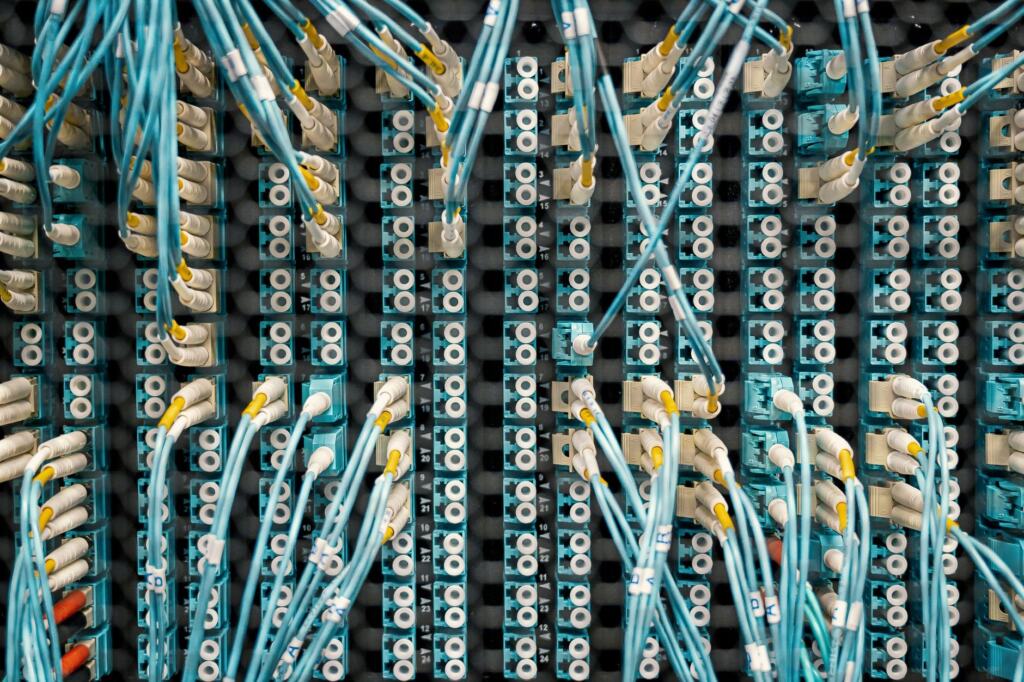
The practical appeal is simplicity. The connection usually already exists in a home or office, installation is limited to the node software and its host, and nothing needs aiming or mounting. The trade-off is dependence: when the connection fails, the node cannot receive or send until it returns.
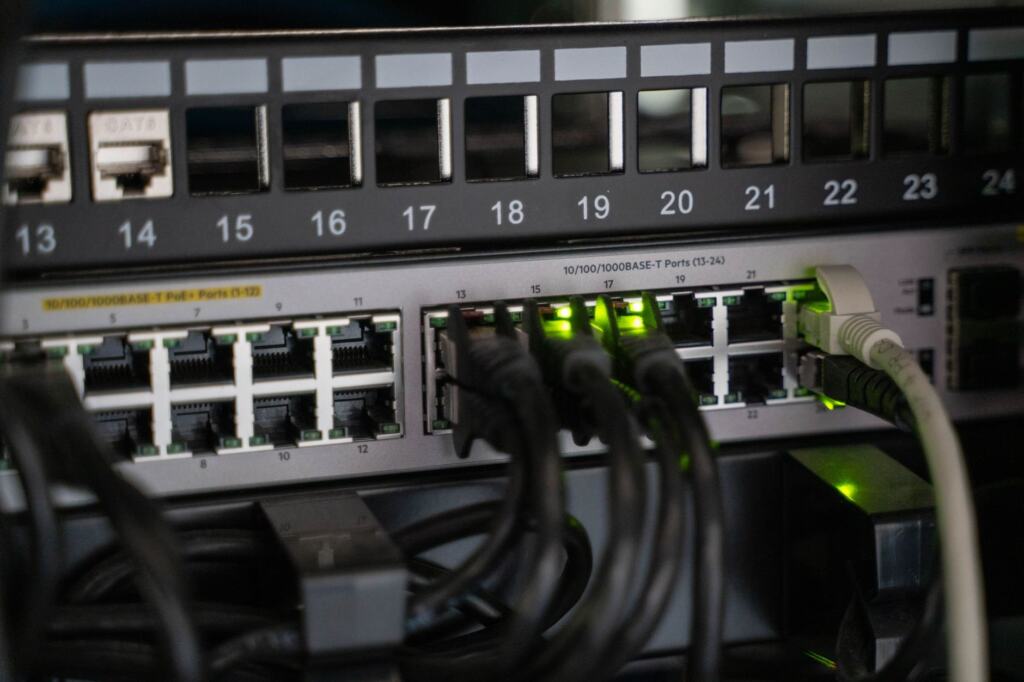
Side-by-side comparison
| Criterion | Blockstream Satellite | Internet node | Planning use |
|---|---|---|---|
| Direction of data | Receive-only broadcast | Bidirectional | Only the internet route can send your own transactions. |
| Local equipment | Dish and USB receiver with host drivers | Network connection to the node host | Satellite adds installation work and a driver step. |
| Bitcoin Core | bitcoind runs as usual inside the satellite container | Runs on the host as normal | Existing Bitcoin Core users can add satellite software without a different node program. |
| Block format | Transmissions include SegWit-era block sizes | Receives blocks from peers | Both routes handle current blocks. |
| Best role | Supplementary or fallback block feed | Primary connection | Choose by whether you need independence or simplicity. |
These points draw on Blockstream’s Docker documentation and its SegWit status post.
Bitcoin Core and satellite block relay
Bitcoin Core fits into the satellite workflow through the container: the Docker guide instructs users to run bitcoind as usual inside it. That means an operator does not need a special node implementation to benefit from the broadcast, only the satellite software and a receiver that the host recognises.
The practical consequence is that the satellite route is an add-on to a node, not a rival node type. Operators who already know how to run bitcoind can keep that knowledge and change only the way block data reaches them.
Which route suits which situation
Choose an internet node if
- You want the simplest setup. A standard connection and node software cover everything, with no dish to mount.
- You send transactions from the node. Only a bidirectional link can carry them out.
- You run a single connection and accept its risk. For many hobbyists, that is a reasonable trade for lower effort.
Add satellite reception if
- You want a second route for block data. The broadcast arrives independently of your terrestrial connection.
- You already run Bitcoin Core. Running bitcoind inside the container keeps the familiar workflow.
- You can install and aim a dish. The equipment is the main barrier, so check space and a clear view of the sky before committing.
Edge cases
A satellite-only plan is a poor fit for anyone who must broadcast their own transactions, because the receiver has no way to transmit. If connectivity is unreliable, pair the satellite feed with whatever limited internet access is available, rather than expecting the dish to stand alone. For a deeper look at the threat side of satellite links, see this guide to satellite blockchain security risks.
What both setups are trying to maintain
Both routes serve the same goal: a node that stays current with the chain and can verify new blocks. The difference lies in how data arrives and whether the node can talk back.

That framing helps avoid a common mistake. The satellite is not a faster or cheaper internet; it is a one-directional feed. Judging it by what an internet connection does leads to disappointment, while judging it as a supplement for block delivery gives a fair picture of its value.
Frequently asked questions
| Question | Answer |
|---|---|
| Can a one-way satellite link replace an internet connection for a node? | No. It delivers block data to you but cannot carry your outgoing transactions or peer requests, so another route is needed for anything the node must send. |
| Does Bitcoin Core work with Blockstream Satellite? | Yes. Blockstream’s Docker documentation says to run bitcoind as usual inside the satellite container. |
| Where do the USB receiver drivers go? | On the Docker host, not inside the container, according to Blockstream’s Docker documentation. |
| Does the satellite broadcast include current block sizes? | Yes. Blockstream states that its transmissions already include the larger block sizes made possible by SegWit. |